

Woot!
We got your request. Hang on tight and we'll get back to you!
 Assessment Management
Run structured security assessments across systems, teams, and vendors—all from one place.
Assessment Management
Run structured security assessments across systems, teams, and vendors—all from one place.
 Questionnaires & Surveys
Launch structured questionnaires and collect evidence from the people closest to each control.
Questionnaires & Surveys
Launch structured questionnaires and collect evidence from the people closest to each control.
 Reports & Scorecards
Turn assessments into audit-ready reports and actionable insights your team can actually use.
Reports & Scorecards
Turn assessments into audit-ready reports and actionable insights your team can actually use.
 Inventory Management
Maintain a connected inventory of vendors, assets, and systems linked to assessments and risks.
Inventory Management
Maintain a connected inventory of vendors, assets, and systems linked to assessments and risks.
 Exception Management
Log, track, and resolve policy exceptions so nothing falls through the cracks during audits.
Exception Management
Log, track, and resolve policy exceptions so nothing falls through the cracks during audits.
 Risk Management
Turn assessment findings into a living risk register with owners, remediation plans, and full lineage.
Risk Management
Turn assessment findings into a living risk register with owners, remediation plans, and full lineage.
 Information Security Risk Management (ISRM)
Run assessments across units and systems, maintain IT asset inventories, and collaborate on a shared risk register—all in one place.
Information Security Risk Management (ISRM)
Run assessments across units and systems, maintain IT asset inventories, and collaborate on a shared risk register—all in one place.
 Third-Party Security Risk Management (TPSRM)
Track vendors, send security questionnaires, and manage third-party risk with built-in workflows and a centralized inventory.
Third-Party Security Risk Management (TPSRM)
Track vendors, send security questionnaires, and manage third-party risk with built-in workflows and a centralized inventory.


Automated scorecards break down performance by target, category, and framework. Identify who's on track and where gaps exist without building custom charts.
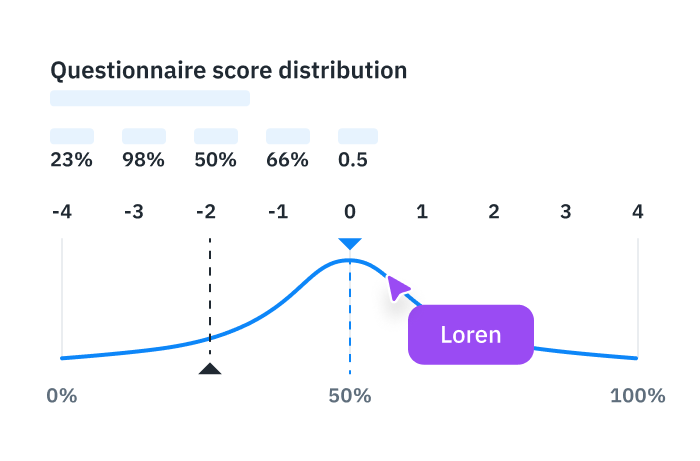
Click into any score to see the underlying responses, uploaded documents, and comments. Full context for every data point—no separate system to check.

The risk matrix surfaces compliance gaps by likelihood and impact, helping your team focus resources on the findings that matter most.

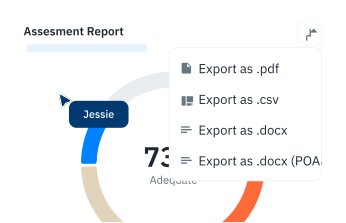
Generate exportable reports for auditors, leadership, or oversight bodies. Assessment results, risk status, and remediation progress in formats ready for submission.